Decky Plugins
Plugins for Decky Loader on Steam Deck and Steam Machine. To install them, open Decky Settings → General → Store, choose Custom and set the store URL to https://dag.cl/decky/plugins. Or download a plugin's zip and install it with Decky Settings → Developer → Install Plugin from ZIP File.
Available
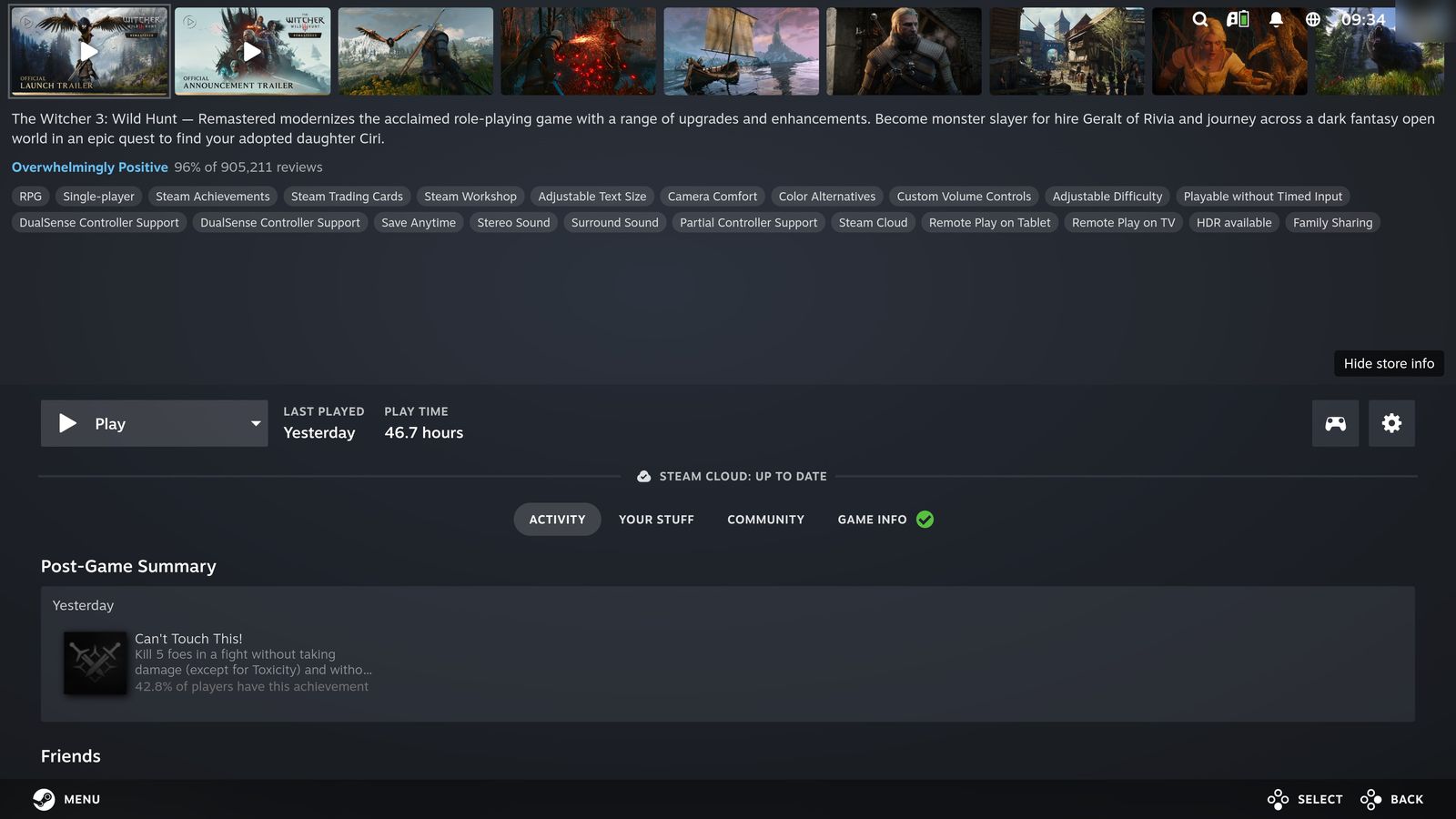
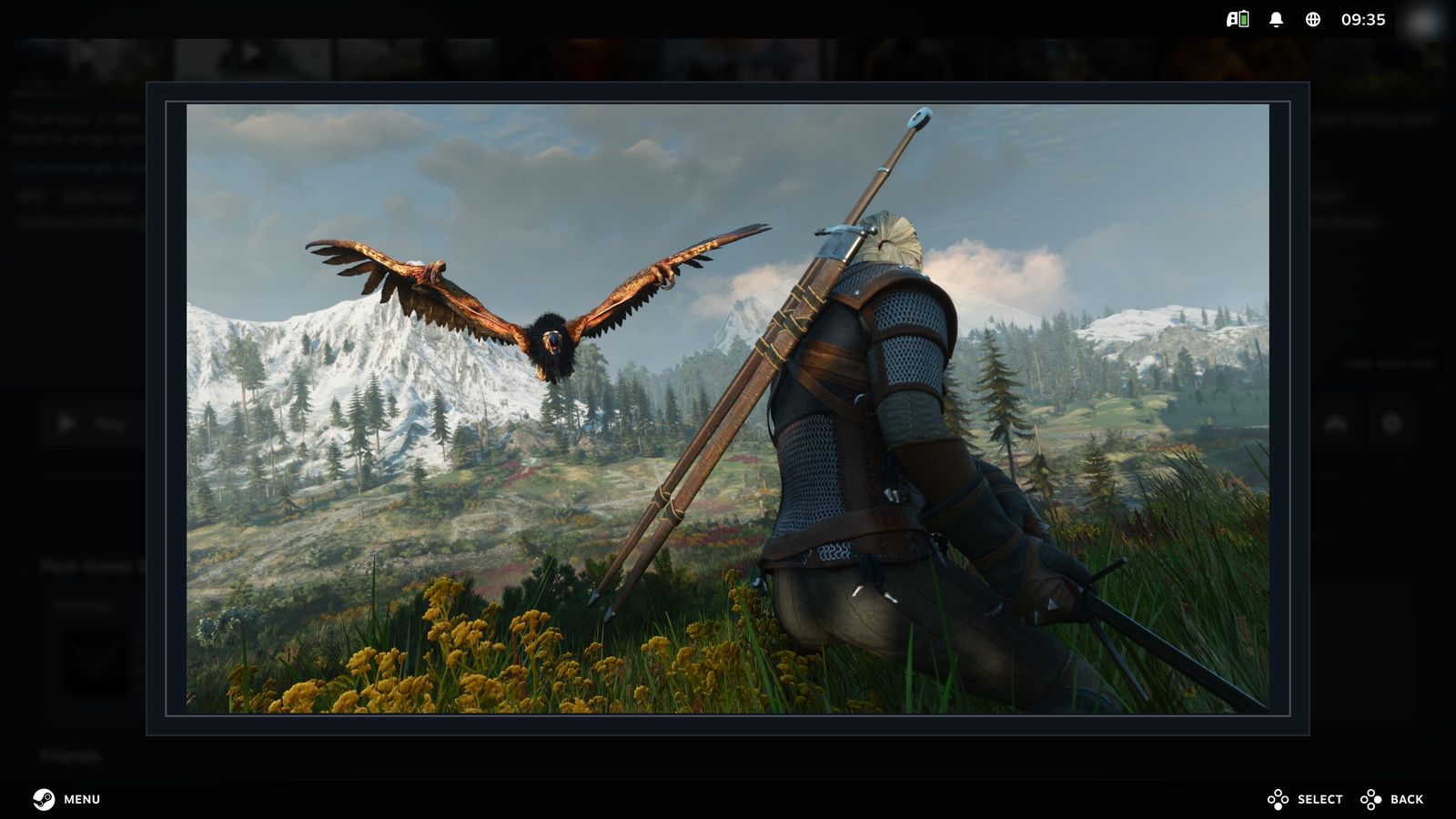
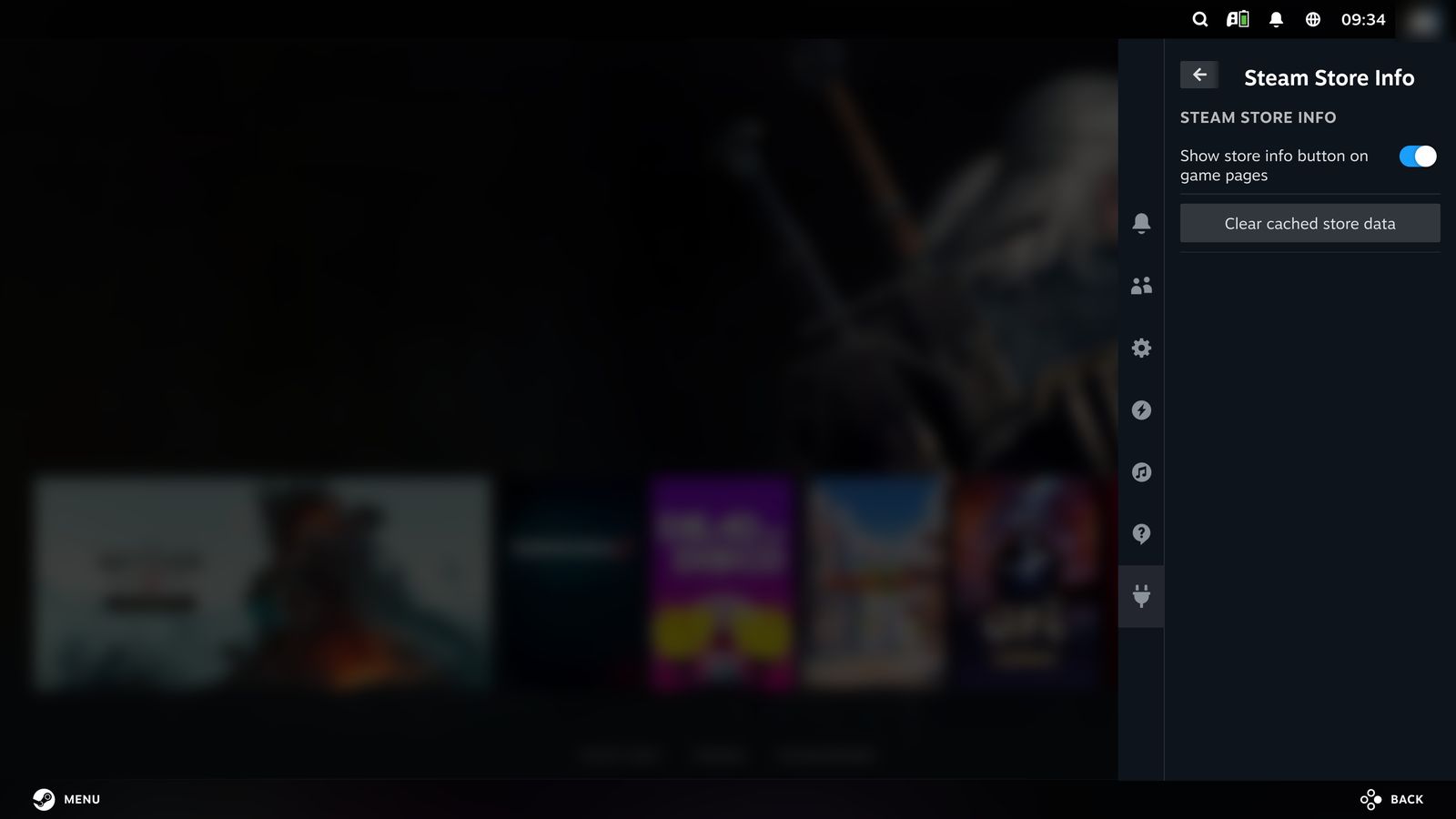
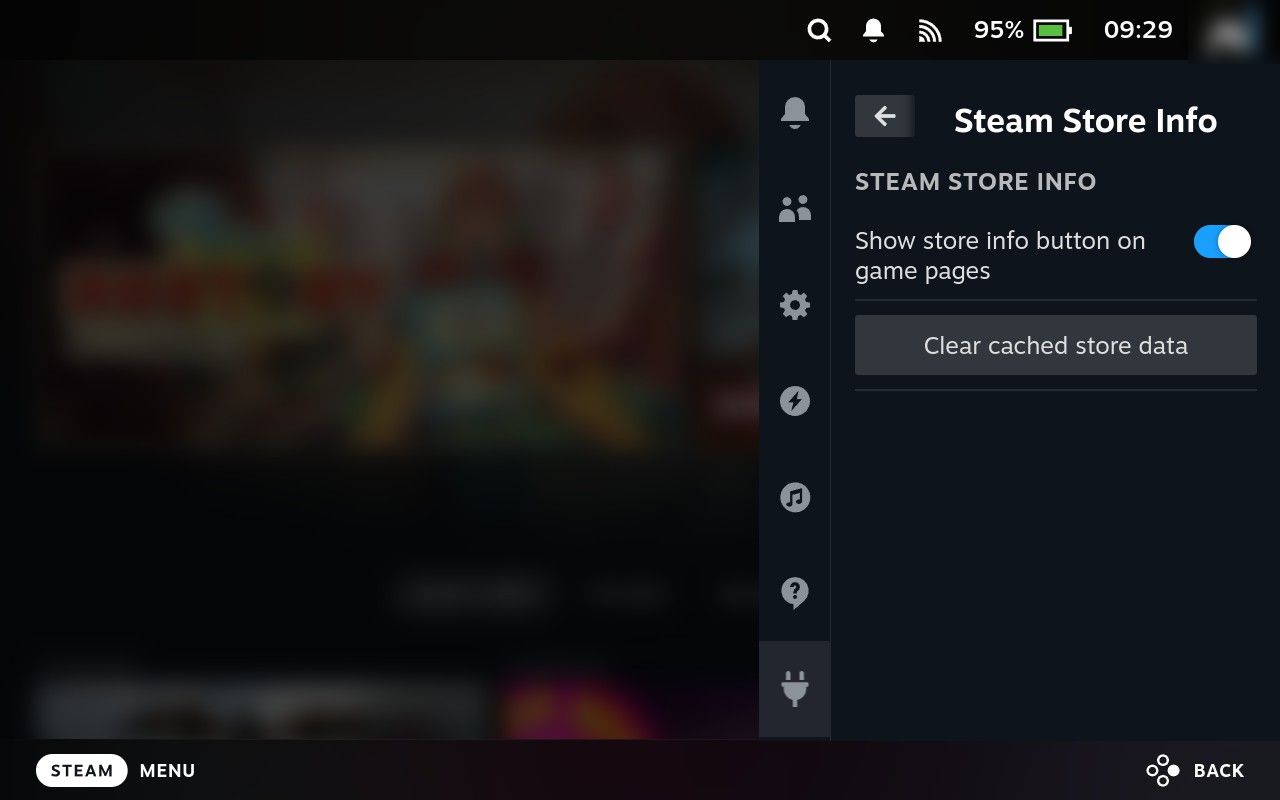
Steam Store Info Shows screenshots, trailers, ratings, and genres from the Steam store directly on a game's details page in Gaming Mode. Download zip
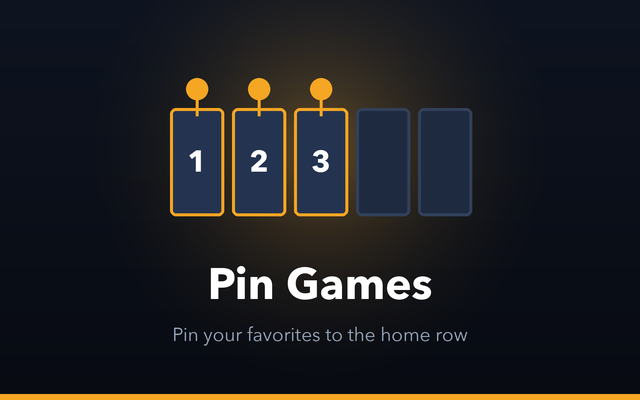
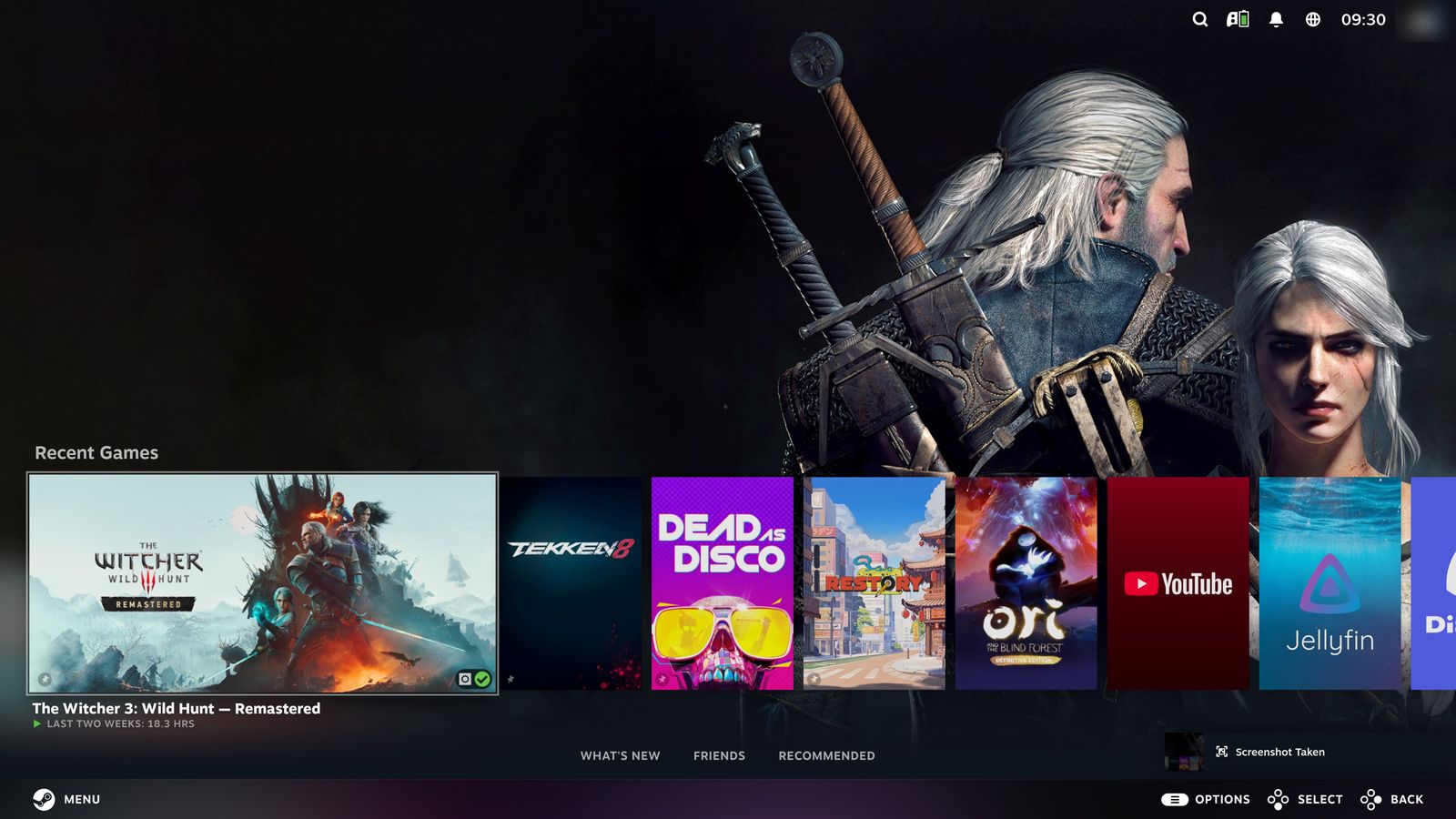
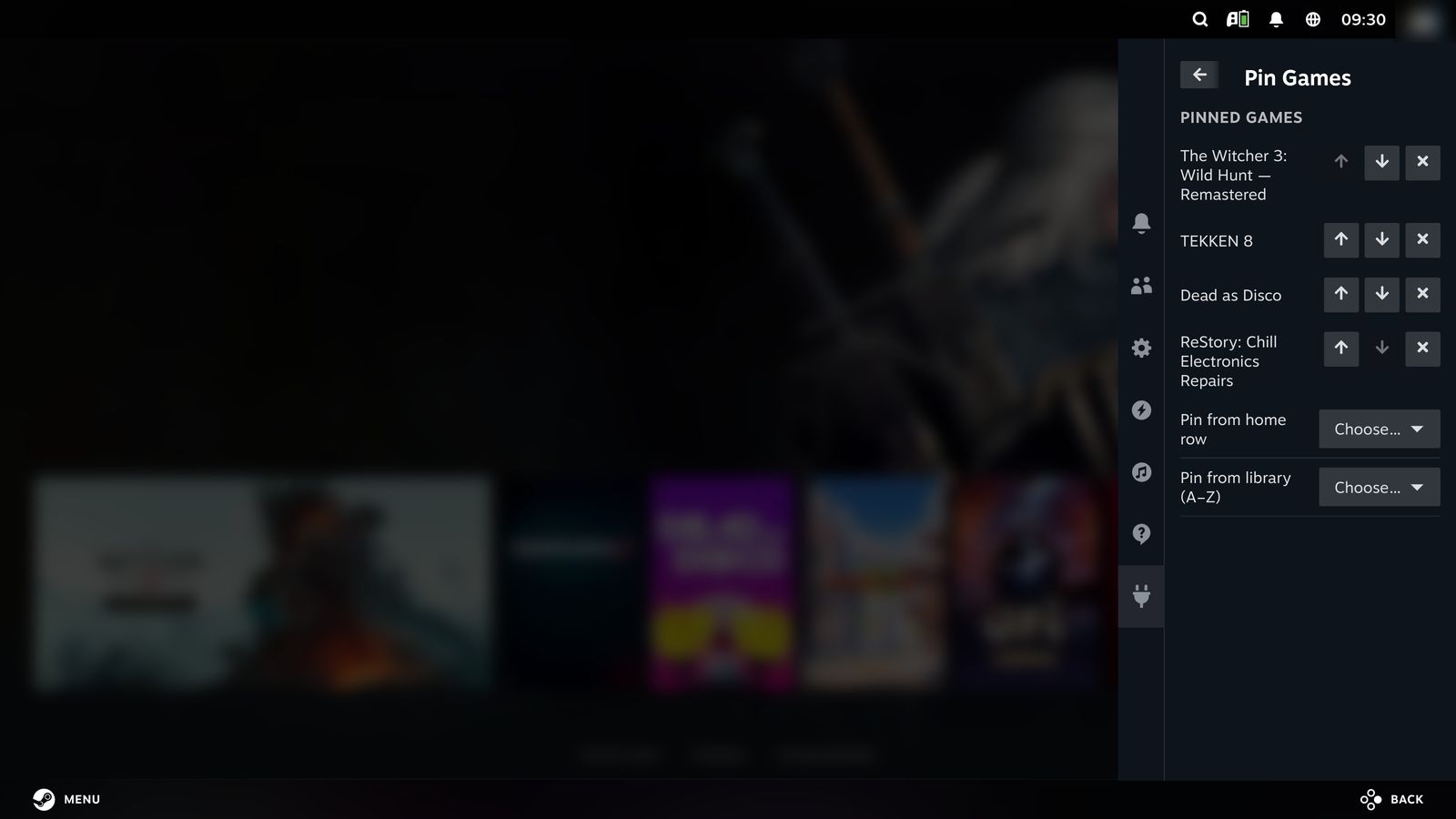
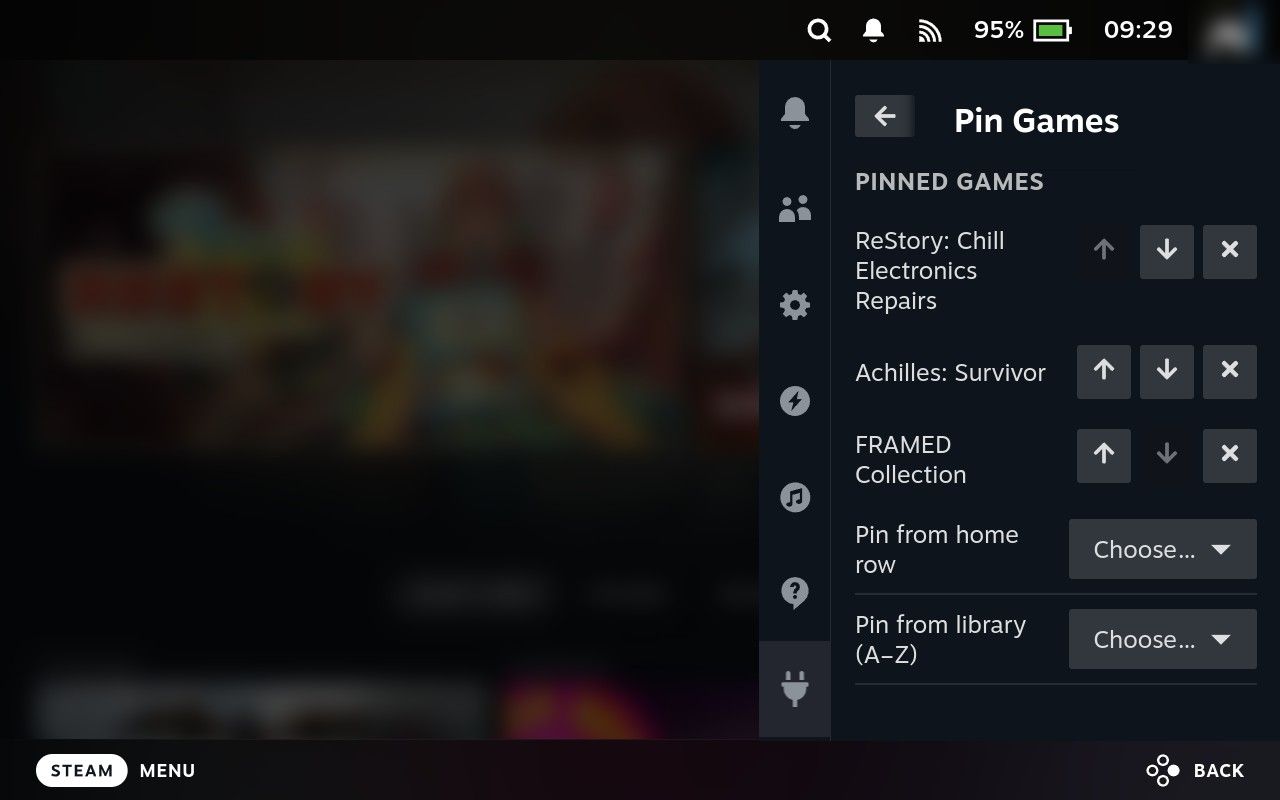
Pin Games Pin 1-5 games to always appear first in the Gaming Mode home recent-games row. Download zip
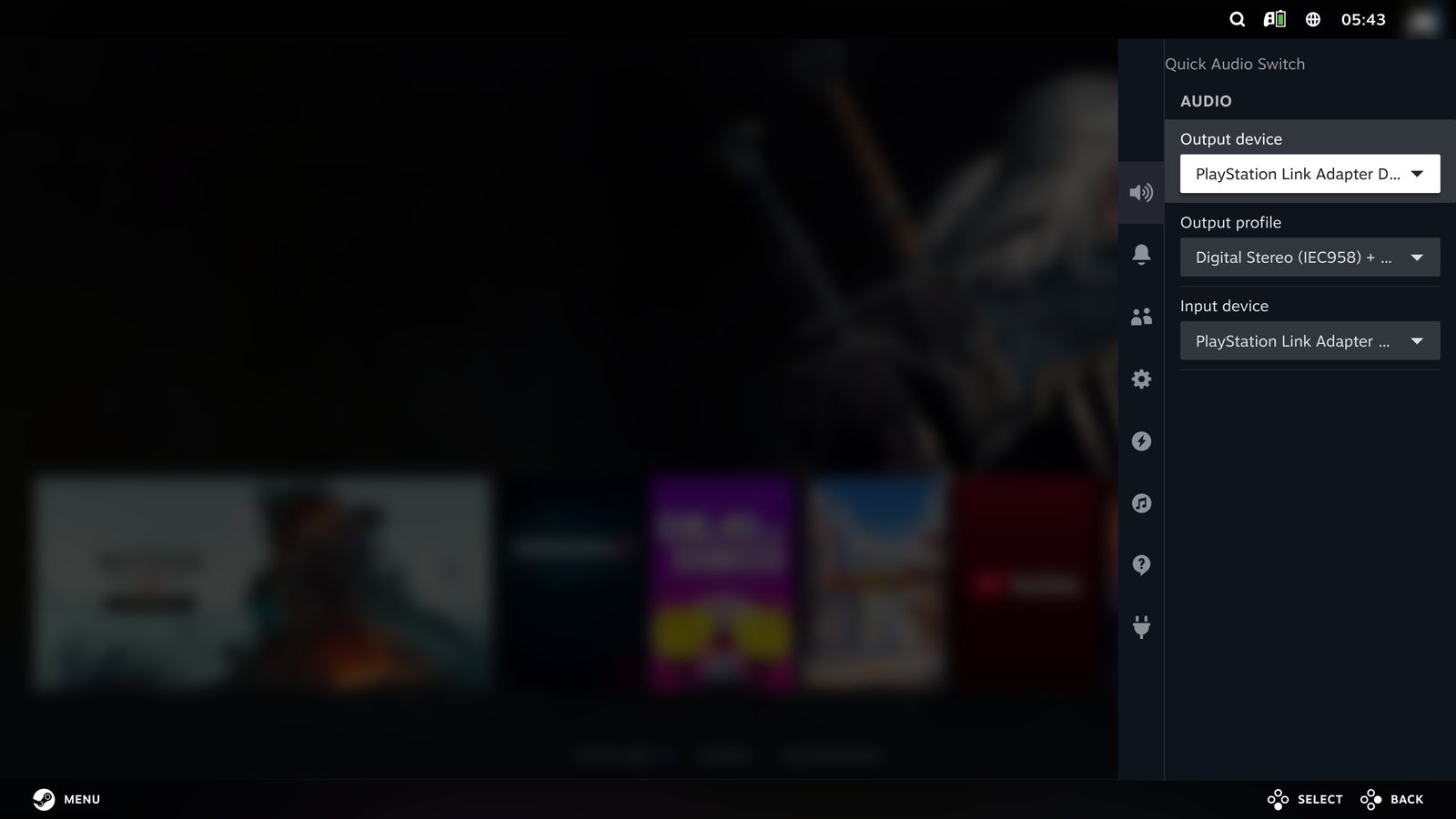
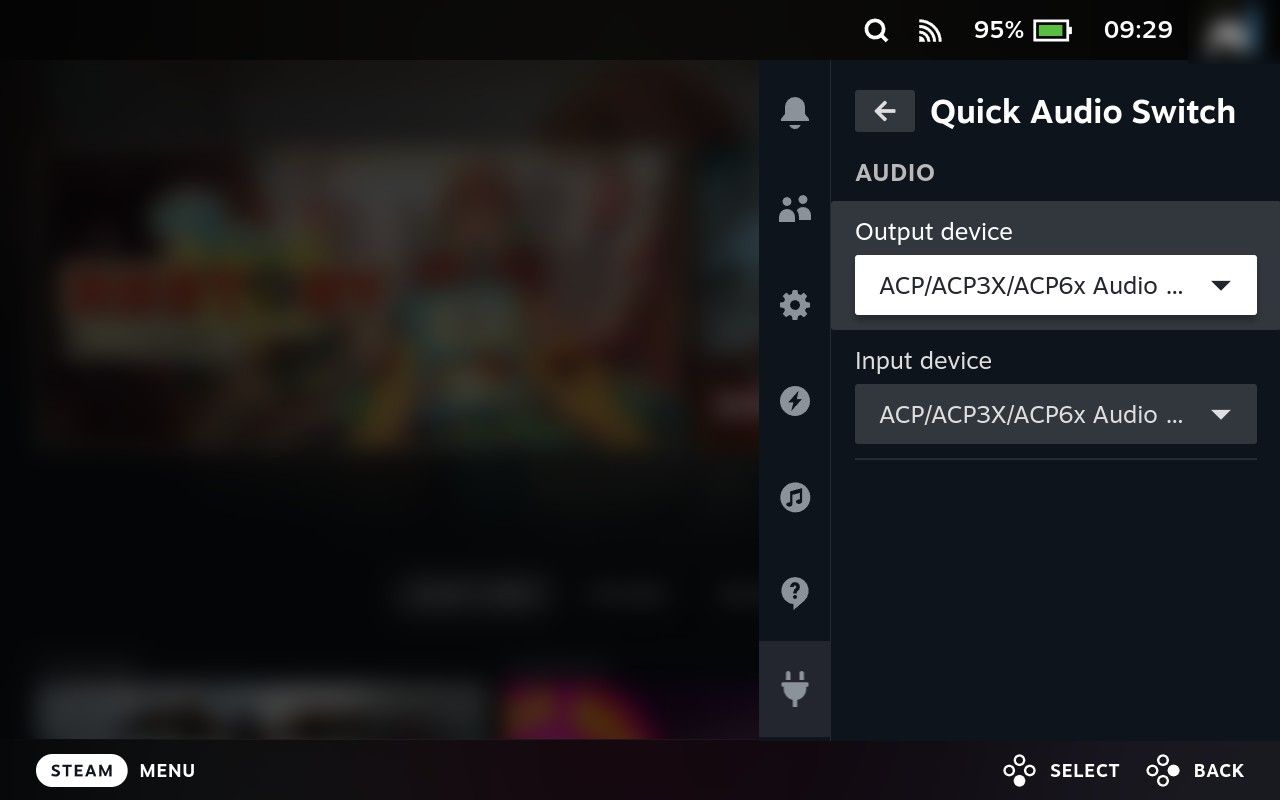
Quick Audio Switch Quickly switch audio output and input devices from the Quick Access Menu, and pick each device's output profile (5.1, stereo, ...). Download zip
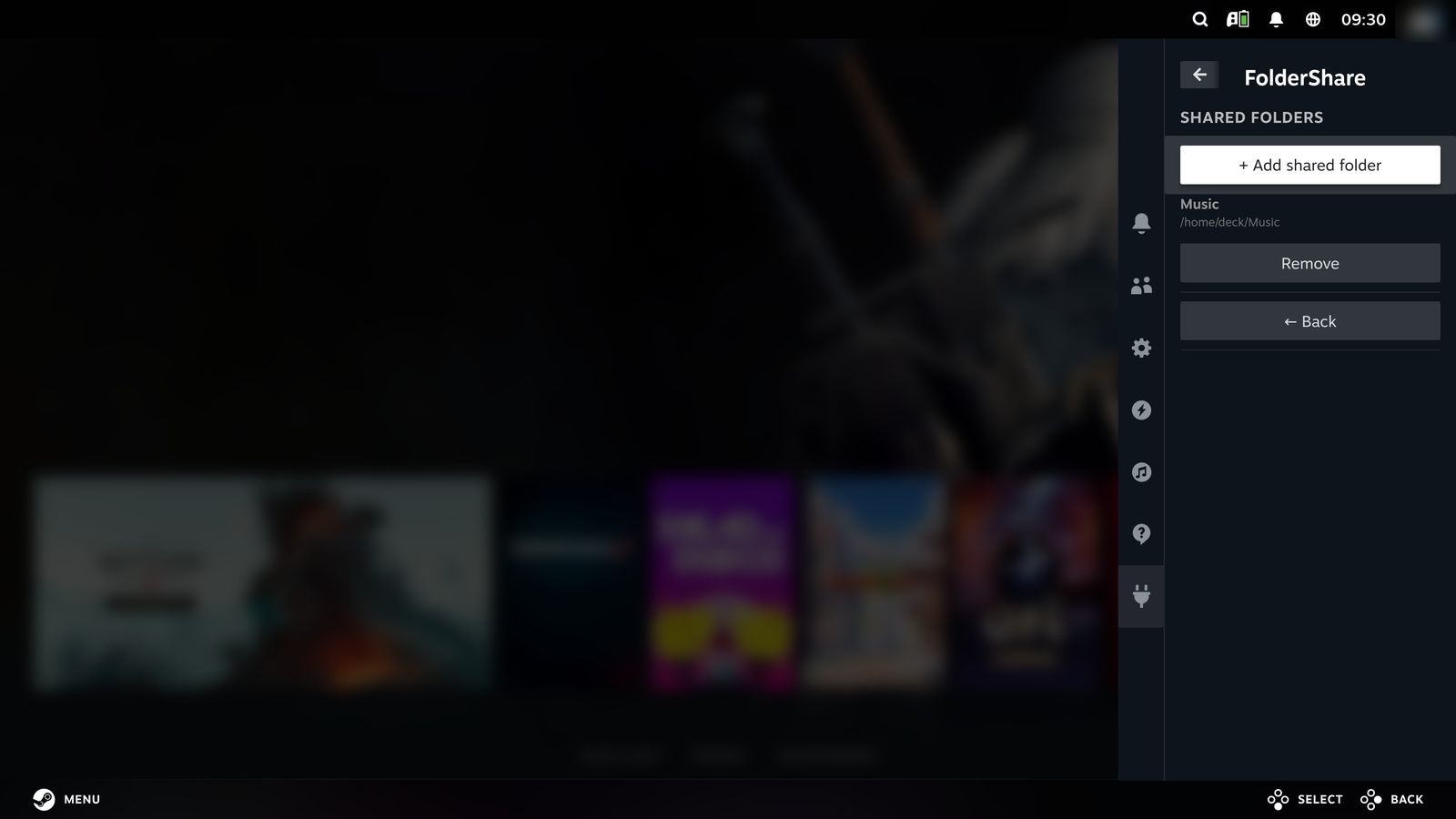
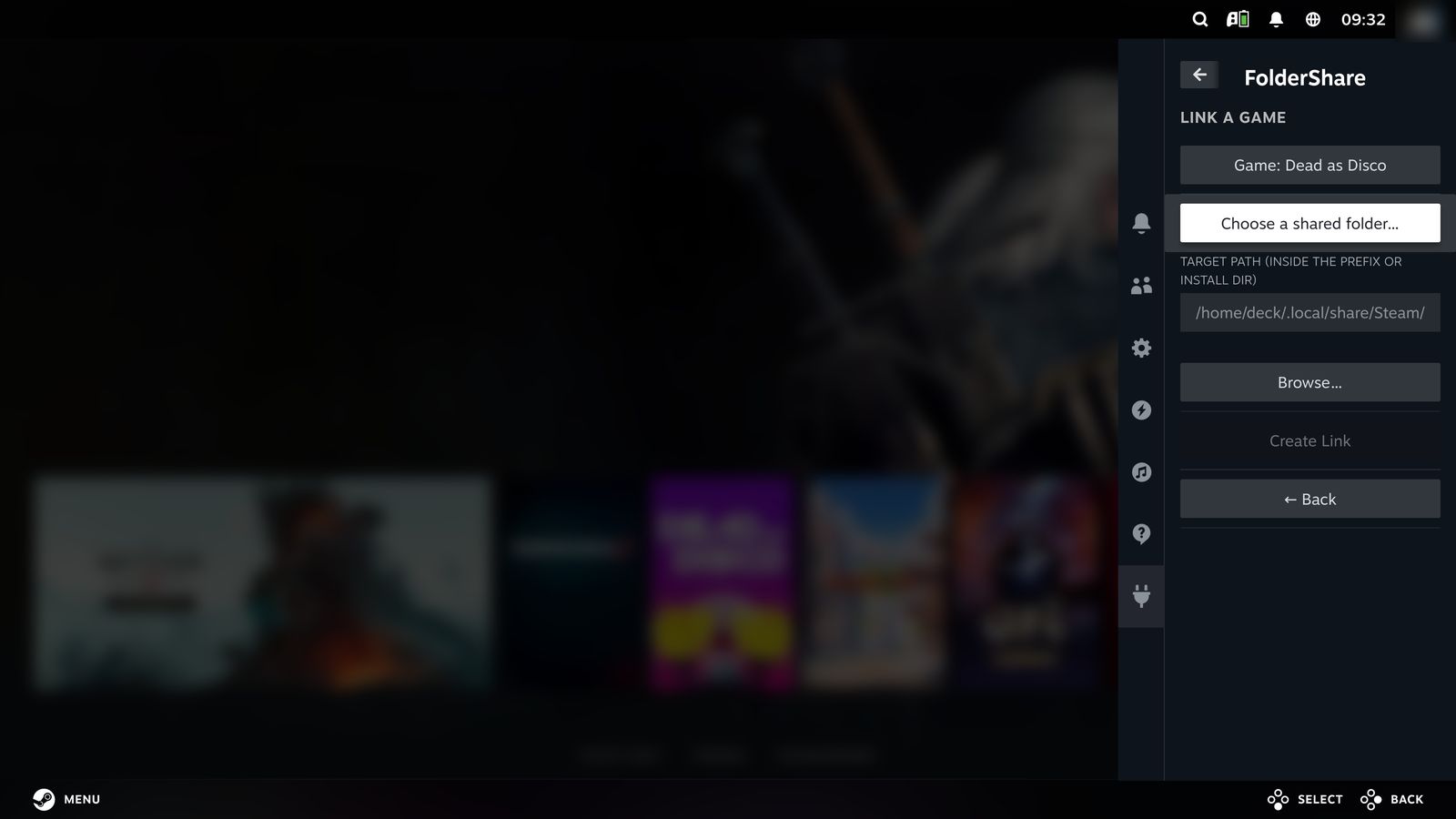
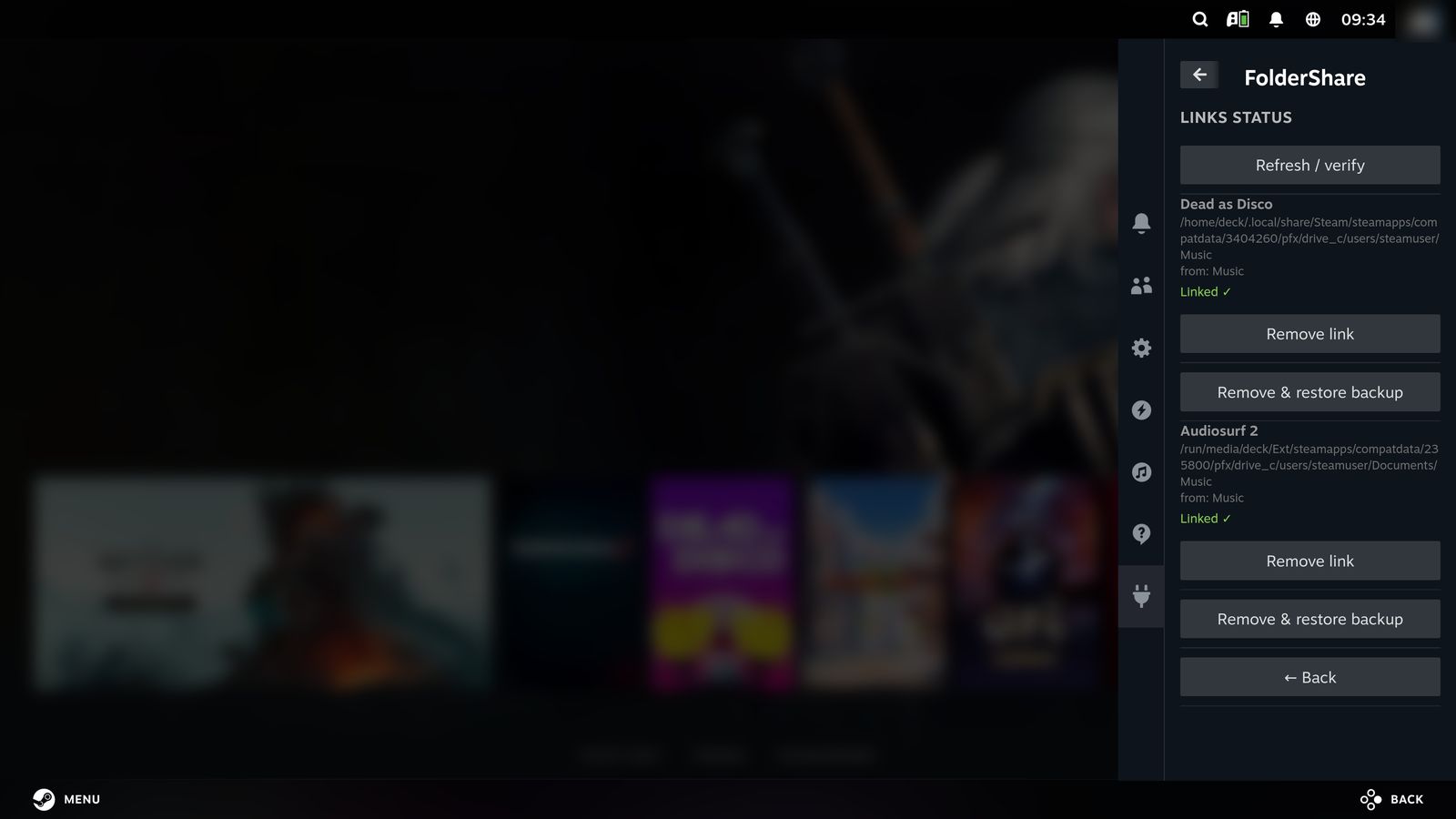
Folder Share Link a real folder in your home directory into multiple games' Proton prefixes or install dirs via symlinks, so they can share the same custom content (music, levels, mods, etc). Download zip